


Cisco IOS → Fortinet: Interactive CLI Trainer

Updated: Aug 12
For those that grew up on Cisco IOS and IOS-XE and may be uncertain about going to other vendors, don't fret. These days I work a lot with FortiGates and FortiSwitches, but it does not mean I don't work in Cisco IOS still. Going from platform to another sometimes causes a little stress. See CLI Trainer/Translator
Fortinet does a really good job in removing that complexity. To remove those complexities, Fortigates offer a built in switching and wireless controller. Leveraging FortiLink network and security engineers can now visualize there networks and also add layers of security compared to traditional routers and layer 2/3 switching.
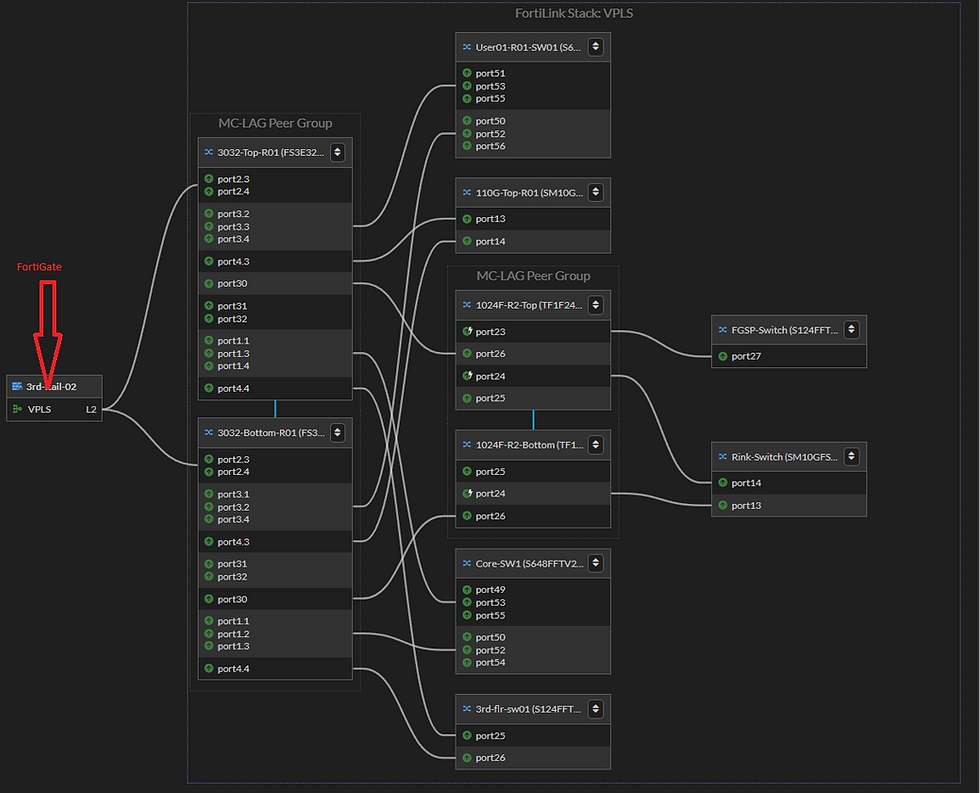
If organizations don't yet have FortiGates to manage FortiSwitches or FortiAP's and want to leverage FortiSwitches standalone (cloud managed is option for FortiSwitches and FortiAP's) that can easily be done. The GUI for FortiSwitches is extremely easy to use, however many of us (CLI junkies) can't let go. FortiOS has a very robust CLI and API. For many of us going from Cisco (also Aruba, Arista) to FortiSwitches the FortiOS CLI very friendly and easy to use. If not using an automation platform, e.g. ansible, python, etc. the FortiSwitch GUI or CLI is easy to use and manage devices. I created a Cisco IOS to FortiSwitch CLI trainer/translator. This tool is not just for me but anyone who is starting to leverage FortiSwitches. This tool is its infancy and looking for others to let me know what command and features I may be missing, This is a start and hope some of you find it useful.

Comments